
The TradeStead experience
Win the enquiry.
Run the work.
Build the brand.
TradeStead connects the public website customers see with the private workspace that runs the job. Follow one continuous journey from the first form to the next improvement.
Website first. Private workspace second. Helpful automation only where it removes real admin.
The connected route
Eight stages.
No broken hand-offs.
Stage 01 · Enquiry arrives
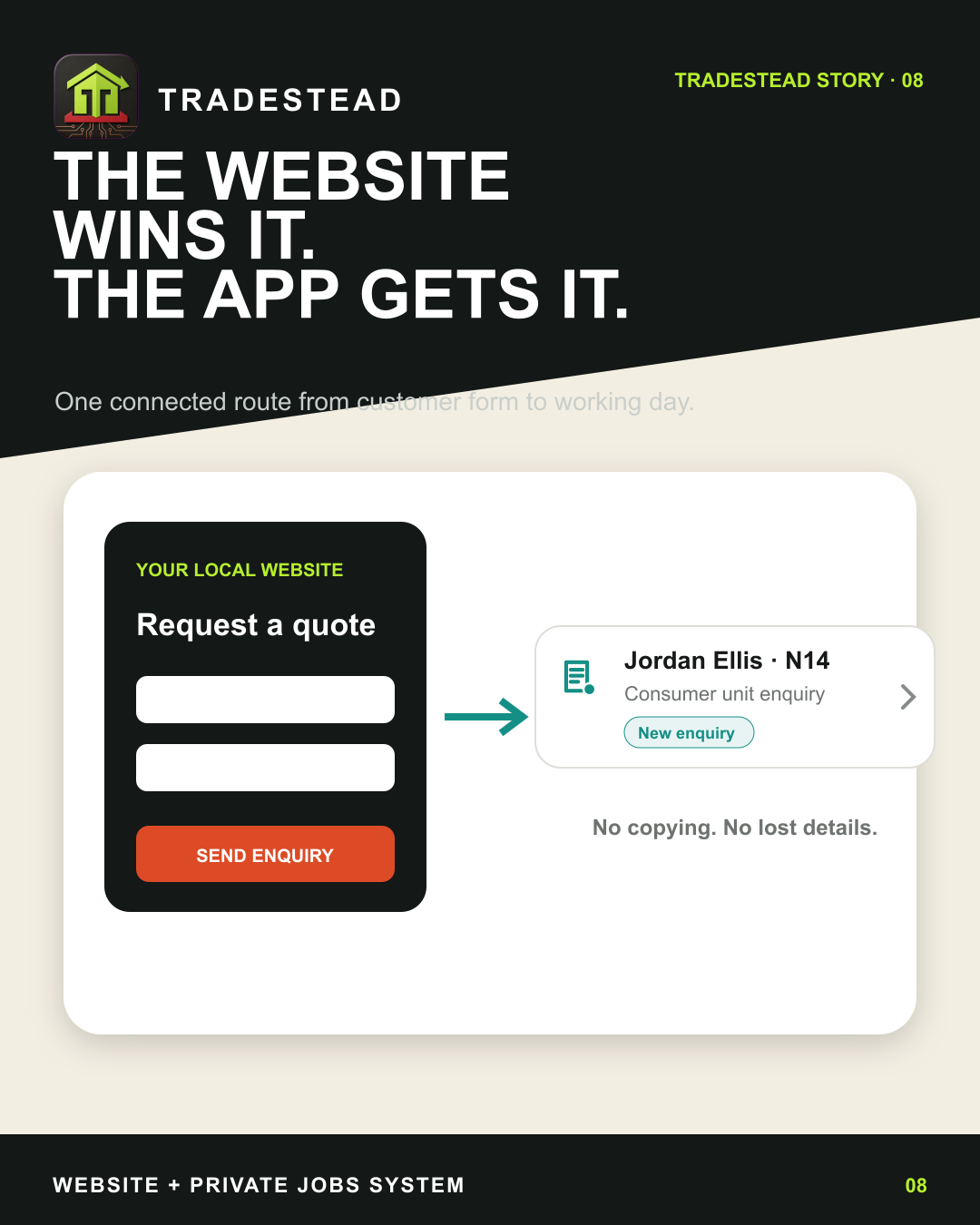
The website wins the opportunity. The workspace receives it.
A customer completes the form on your website. The same details enter your private workspace as a new enquiry, ready for a real response—without somebody retyping the name, work or contact information.
- The enquiry stays under your brand
- A clear New stage makes the next action obvious
- Protected delivery paths reduce the risk of lost leads
Stage 02 · Contact and qualify
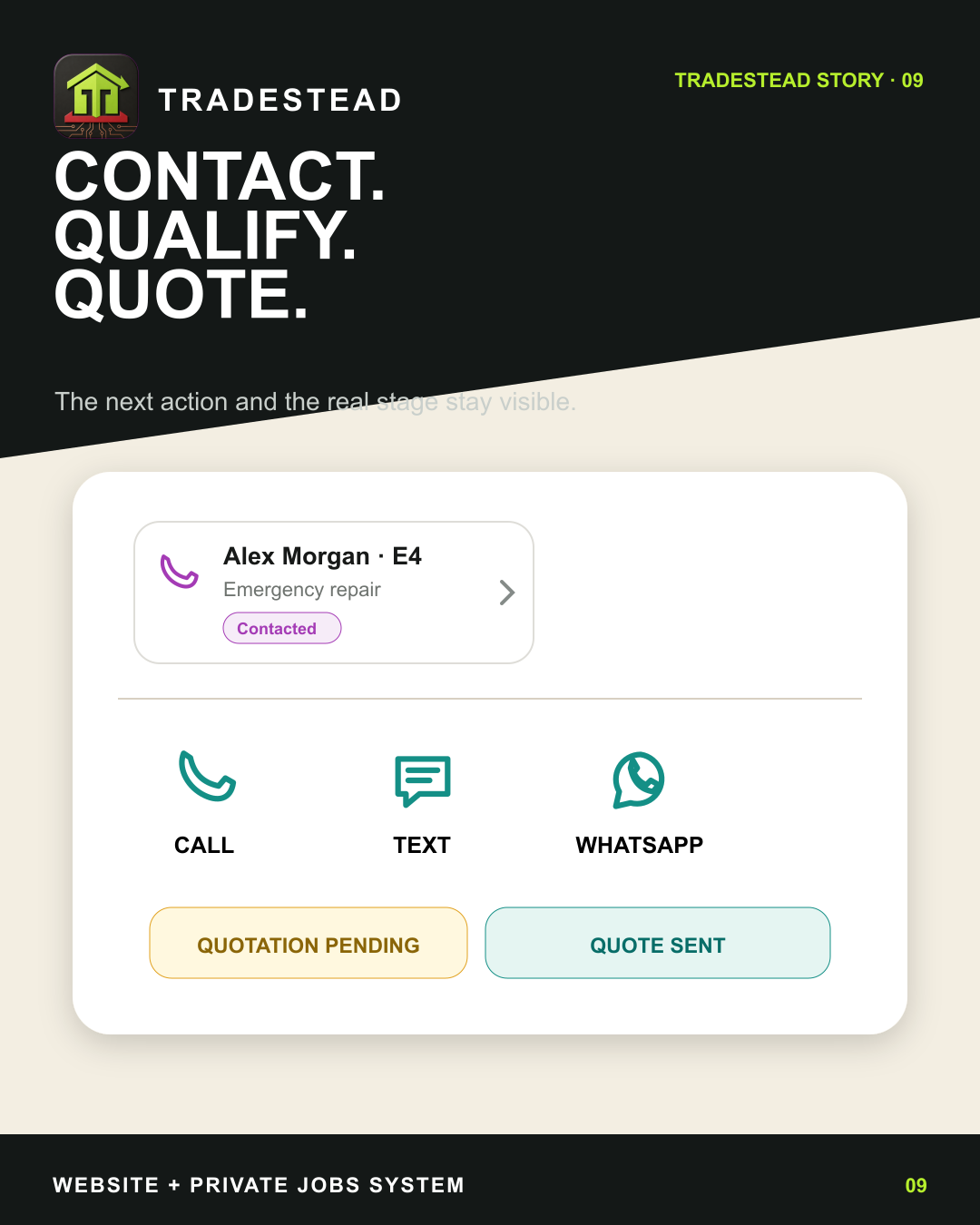
Call, text or WhatsApp from the record that holds the context.
The customer, the requested work and the current stage stay together. Contact actions are immediately available, and the enquiry can move into quotation pending or quote sent without creating another disconnected record.
- One-tap customer contact from mobile
- The working stage stays visible to the business
- Notes and later actions remain attached to the same customer journey
Stage 03 · Quote and schedule
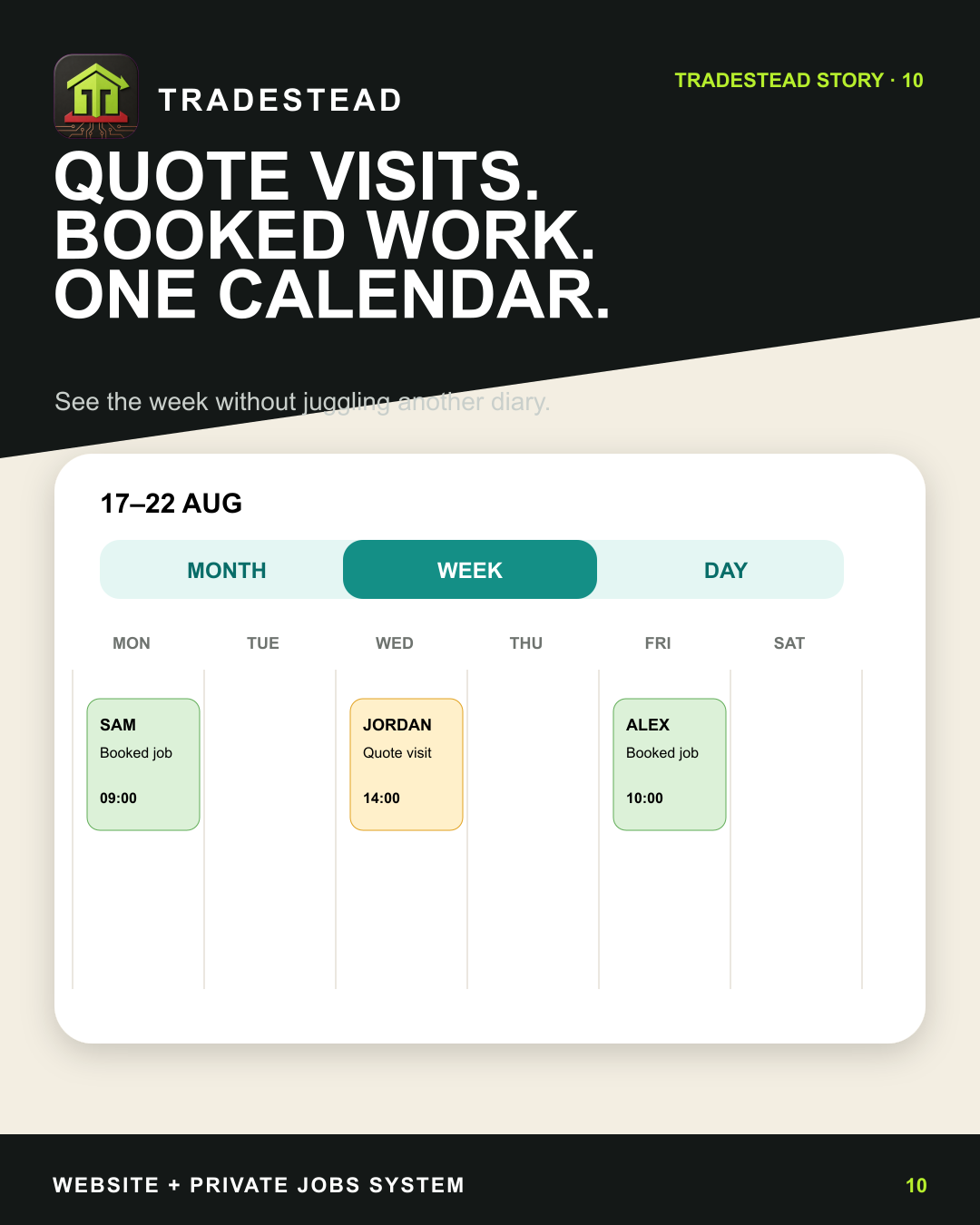
Quote visits and booked jobs share one working calendar.
Once a visit or job needs a time, it belongs in the calendar—not in a separate message thread. Month, week and day views keep upcoming commitments visible while each entry still opens the underlying job.
- Quote visits and booked work in one view
- Phone-first week planning for the working day
- Rescheduling changes the real appointment rather than making a duplicate
Stage 04 · Capture the work
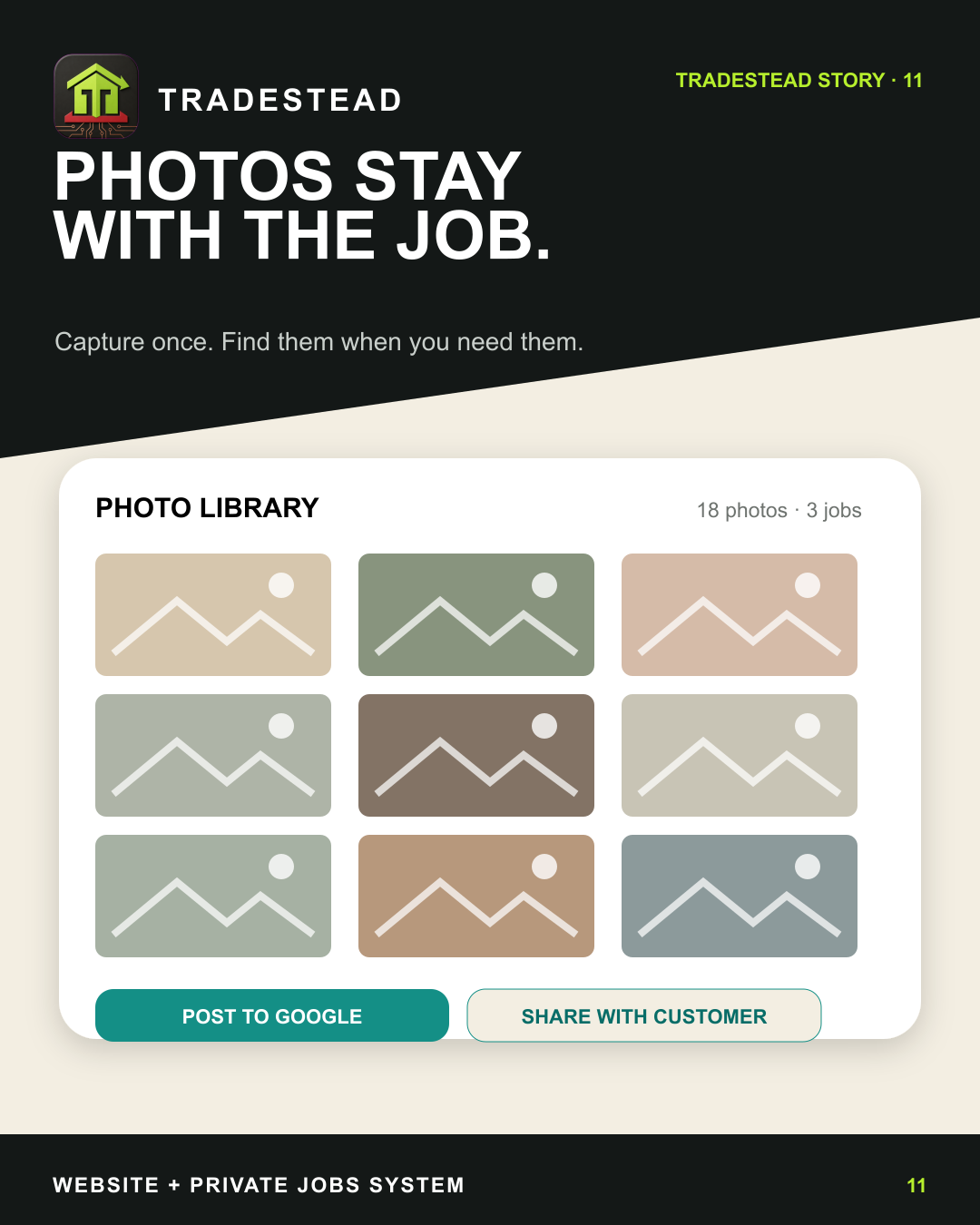
Job photographs stay with the customer and property.
Site evidence should not disappear into a camera roll. Photographs can be captured or selected from the phone, then kept in the protected customer record so they are available for the job, follow-up and approved marketing use.
- Repeated camera shots without reopening the picker
- Private customer-linked storage
- A gallery that can be reviewed later from the job record
Stage 05 · Complete the job
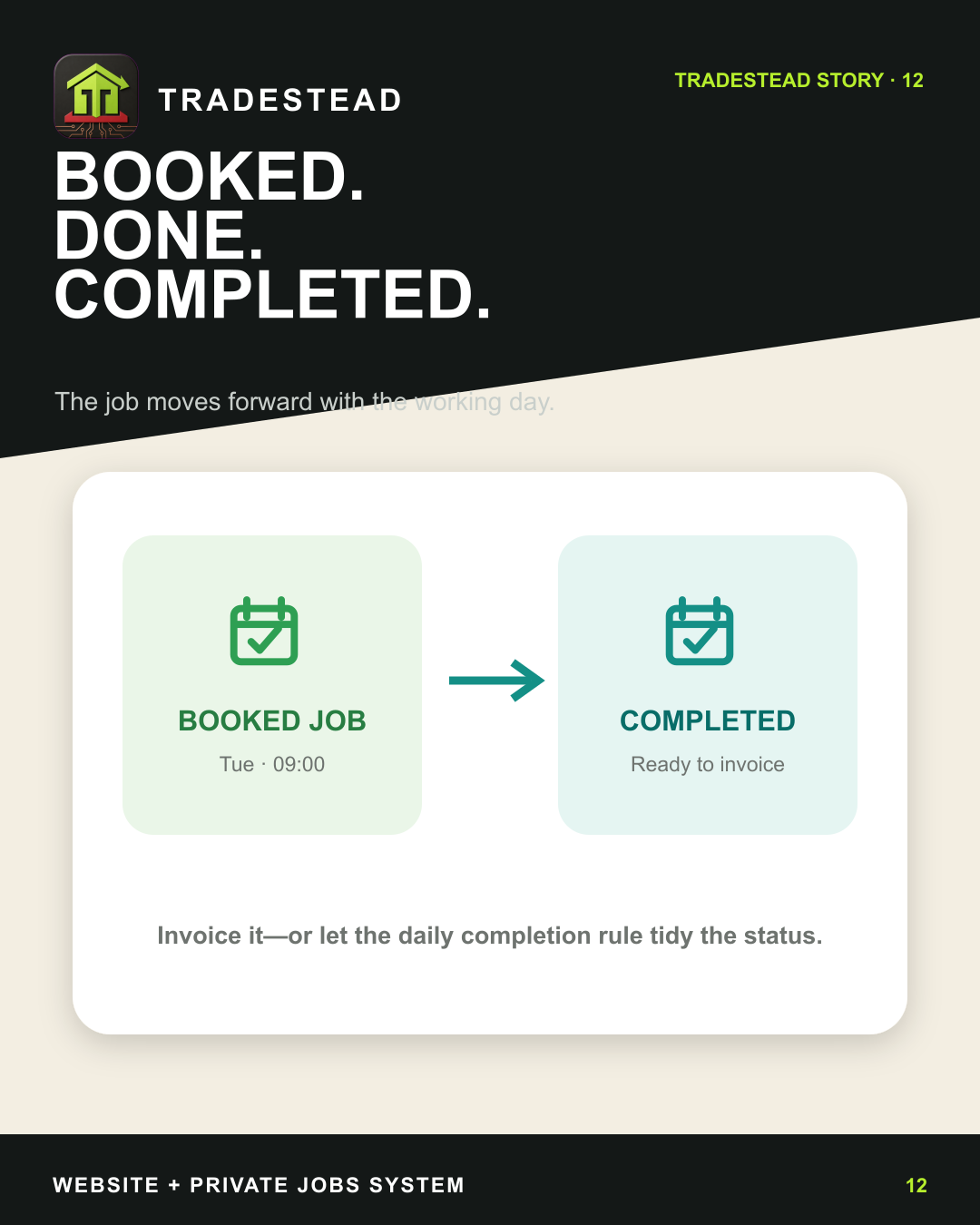
The job moves forward without leaving unfinished admin behind.
Completion is a business stage, not merely a crossed-out diary entry. The system keeps the job history intact, makes the next financial action clear and can surface related work such as certificates that still need attention.
- Booked work becomes a completed record
- Job history, notes and photographs remain together
- Outstanding operational actions stay visible
Stage 06 · Invoice and payment
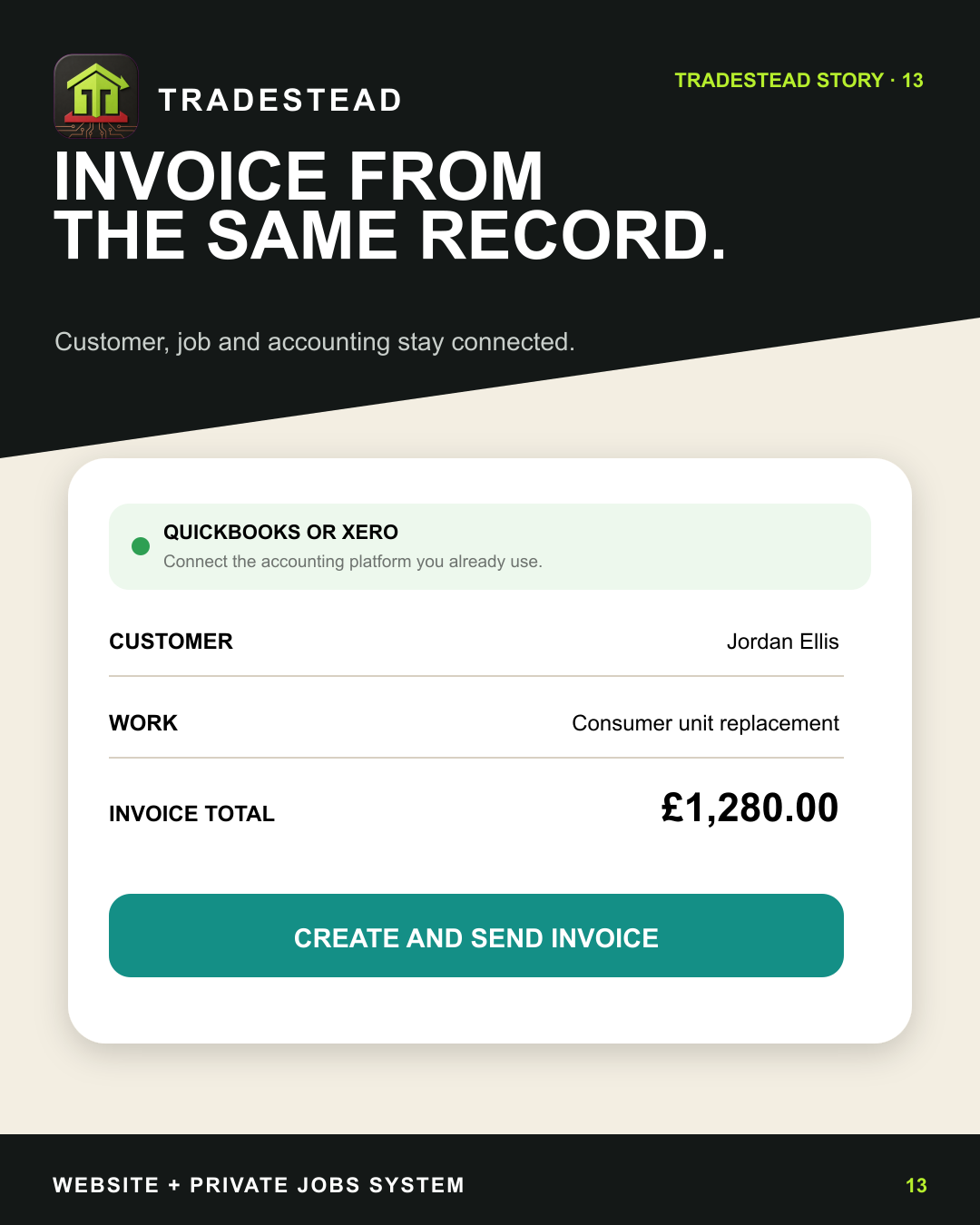
Create the invoice from the job that already knows the customer.
Customer details, the work and the agreed amount do not need to be rebuilt in another system. TradeStead prepares the invoice from the existing record and keeps job value, invoiced value and recorded payment as separate stages.
- Customer and job context carried into the invoice
- A customer-linked PDF and email workflow
- Major accounting software can remain the accounting source of truth
Stage 07 · Build reputation
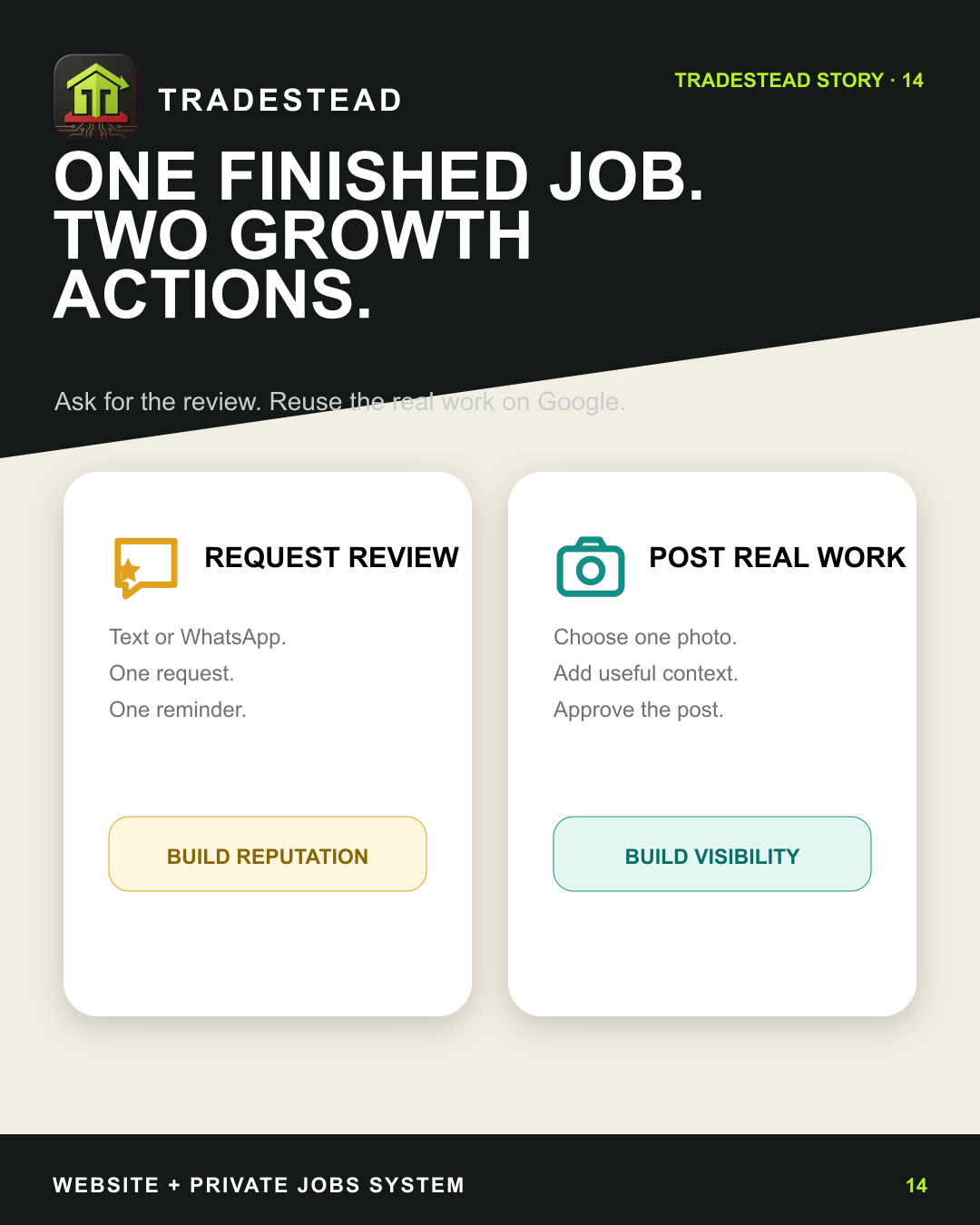
One finished job creates two sensible growth actions.
When the work is complete, the system can prepare a review request and help turn approved job photographs into a useful Google update. The business chooses the channel, checks the content and remains in control of what is sent or published.
- Manual review requests rather than automatic pestering
- Real completed work reused with approval
- Customer privacy and business judgement stay in the loop
Stage 08 · Measure and improve
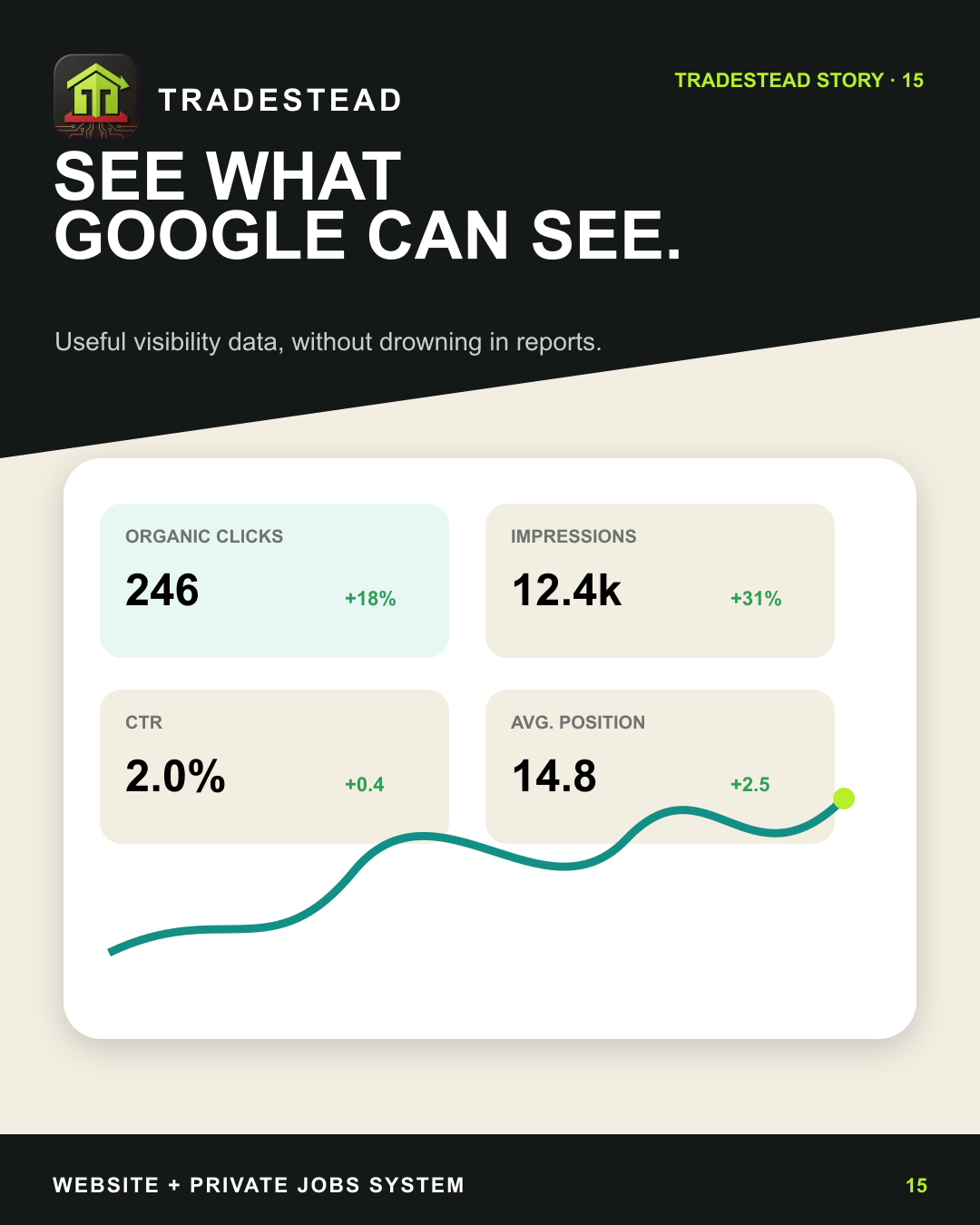
See whether the website is earning attention—and what needs work next.
Search Console and Analytics reporting brings visibility, visits and enquiry signals back into the same business context. The aim is not a wall of charts; it is a useful view of whether the owned website is becoming a stronger source of opportunity.
- Search and website reporting in one private view
- Clear source and last-updated information
- Performance used to guide the next improvement—not manufacture guarantees
Where the assistant fits
Useful preparation.
Human approval.
The assistant can help prepare repetitive actions from the correct business record: draft a customer message, organise a booking request, prepare review wording or summarise a performance change. It does not replace business judgement, publish without approval or become the source of truth.
- 01You request an actionThe instruction begins inside the authorised business workspace.
- 02TradeStead prepares itThe correct customer, job and stage provide the useful context.
- 03You check and approveThe business remains responsible for customer-facing decisions.
Explore the working system
Follow each record
in more detail.
The overview shows the complete route. These pages explain how the important hand-offs work, what the system preserves and where human control remains essential.
Map your version
Your stages may differ.
That is the point.
Start with the way your business actually works. We will identify what should stay, what should connect and where the customer journey currently breaks.